AI Websites That Don't All Look the Same
Most AI-built sites share the same generic layout. MoClaw separates visual design from coding so every page has its own identity.
To avoid the generic AI look, I'll design each section visually first before writing any code. This way we nail the aesthetics, then implement precisely what we see. 1. Generate a visual concept for each section 2. You pick the direction you like 3. Extract real assets from the designs 4. Build clean responsive code that matches exactly Starting with the Hero. Style: minimal, editorial, warm earth tones, premium feel.
Hero and Product Showcase are done.
Notice how this looks nothing like a typical AI website:
- No centered hero with gradient halo:instead, an editorial split layout with real visual weight
- No placeholder stock images:assets extracted directly from the design concepts
- Intentional composition:spacing, typography, and color were designed visually before any code was written
- 83% smaller images:all assets auto-converted to optimized WebP
Want me to continue with the remaining 5 sections?
Full landing page complete. 7 sections, each with its own visual identity.
No generic SaaS layouts. No gradient halos. No random card grids. Every section was designed with intention, not generated by accident.
The site is fully responsive with dark mode. All 14 assets are optimized WebP. Total page weight: 1.8 MB including images.
Want me to deploy it to a preview URL, or refine any specific section?
Try it with your own task
What to watch for
AI shows you the visual design before writing a single line of code
Each section gets its own unique composition instead of a generic template
Real assets extracted from designs, not stock photos or placeholder SVGs
seven-flowers-landing
How AI Websites That Don't All Look the Same Works with MoClaw
Describe the Look You Want
Tell MoClaw your brand, mood, and style direction. It designs each section visually so you see exactly what the site will look like before any code is written.
Review and Refine Visuals
See the design for each section, pick the best direction, and iterate. Assets are automatically extracted and optimized. No stock photos or placeholder images.
Get Production-Ready Code
Once you approve the visuals, MoClaw builds responsive code that matches exactly. The result looks intentional, not auto-generated, because the design came first.
What You Can Do with AI Websites That Don't All Look the Same
Business Landing Pages
Build premium landing pages for local businesses, restaurants, studios, and boutiques that stand out from generic templates.
SaaS Product Pages
Create unique SaaS marketing pages that break free from the 'centered hero + gradient halo' pattern.
Mobile App Showcases
Design and build mobile-first product pages with device mockups and app store-ready screenshots.
Portfolio and Creative Sites
Build visually distinctive portfolios and creative agency sites with editorial layouts and custom assets.
AI Websites That Don't All Look the Same FAQ
How does MoClaw make AI websites look unique instead of generic?
MoClaw designs each section visually before writing code. Instead of the AI inventing aesthetics and implementation at the same time, it first creates a high-quality visual concept, then builds code that matches exactly. This separation is why the output looks intentional, not auto-generated.
Can I control the visual style and mood of the website?
Yes. You describe the feel you want, like 'minimal and editorial' or 'bold and playful', and MoClaw generates designs in that direction. You see the visual result before any code is written, so you can iterate on the look without waiting for full builds.
What frameworks and languages does MoClaw support?
MoClaw outputs clean HTML, CSS, and JavaScript by default. You can also request React, Next.js, Vue, Tailwind CSS, or any other framework. The code is production-ready with responsive breakpoints and semantic markup.
Why do most AI-generated websites look the same?
Because most tools ask AI to simultaneously invent the visual design and write the code. The model compromises on both, defaulting to safe patterns: centered hero, gradient backgrounds, generic card grids. Separating design from coding eliminates this problem.
Can I use my own mockups or Figma designs instead?
Yes. You can upload Figma exports, Dribbble screenshots, whiteboard photos, or any visual reference. MoClaw extracts the layout and assets, then builds code that matches. It works with AI-generated designs and hand-made ones equally well.
How does MoClaw handle images and visual assets?
MoClaw extracts individual elements from design concepts, like product photos, icons, and decorative shapes, with transparent backgrounds. Everything is automatically converted to optimized WebP format, typically 80% smaller than raw PNGs.
How much does it cost to build a website with MoClaw?
MoClaw offers a free tier for basic usage. Building a full landing page with multiple sections typically costs less than $5 in credits. You can iterate on individual sections without regenerating the entire site.
Can I update or redesign individual sections later?
Yes. Since each section is built independently, you can redesign just the hero or just the pricing section without touching anything else. MoClaw remembers your project structure and assets, so updates are fast.
AI Website Building: Manual Coding vs Cursor/v0 vs MoClaw
See how MoClaw's AI-powered approach differs from traditional tools.
| Feature | Manual Coding | Cursor / v0 | MoClaw |
|---|---|---|---|
| Design quality | Depends on designer skill | Generic AI aesthetic | Custom design per section |
| Workflow | Figma → handoff → code | Text prompt → code | Generate design → extract assets → code |
| Asset creation | Stock photos or custom shoot | Placeholder images | AI-generated, auto-extracted, WebP optimized |
| Iteration method | Back-and-forth with designer | Re-prompt and hope | Screenshot comparison, section by section |
| Responsive design | Manual breakpoints | Hit or miss | Built-in with fluid typography |
| Time to build | Days to weeks | Minutes (low quality) | 30 minutes (high quality) |
Why AI Image-to-Code Frontend Development?
Most AI-generated websites look the same because the workflow is wrong, not because the AI is incapable.
Design and Code Are Separate Skills
AI image generation excels at visual composition. AI coding excels at implementation. Combining them in one prompt forces the model to compromise on both. Separating them lets each shine.
Section-by-Section Iteration
Instead of regenerating an entire page, you can refine one section at a time. Screenshot comparison ensures the code matches the design exactly, not approximately.
Production-Ready Output
AI-extracted assets in WebP format, responsive CSS with fluid typography, clean semantic HTML. The output is deployment-ready, not a prototype that needs rebuilding.
Related Use Cases
OpenClaw Alternative: Cloud-Hosted, Always-On
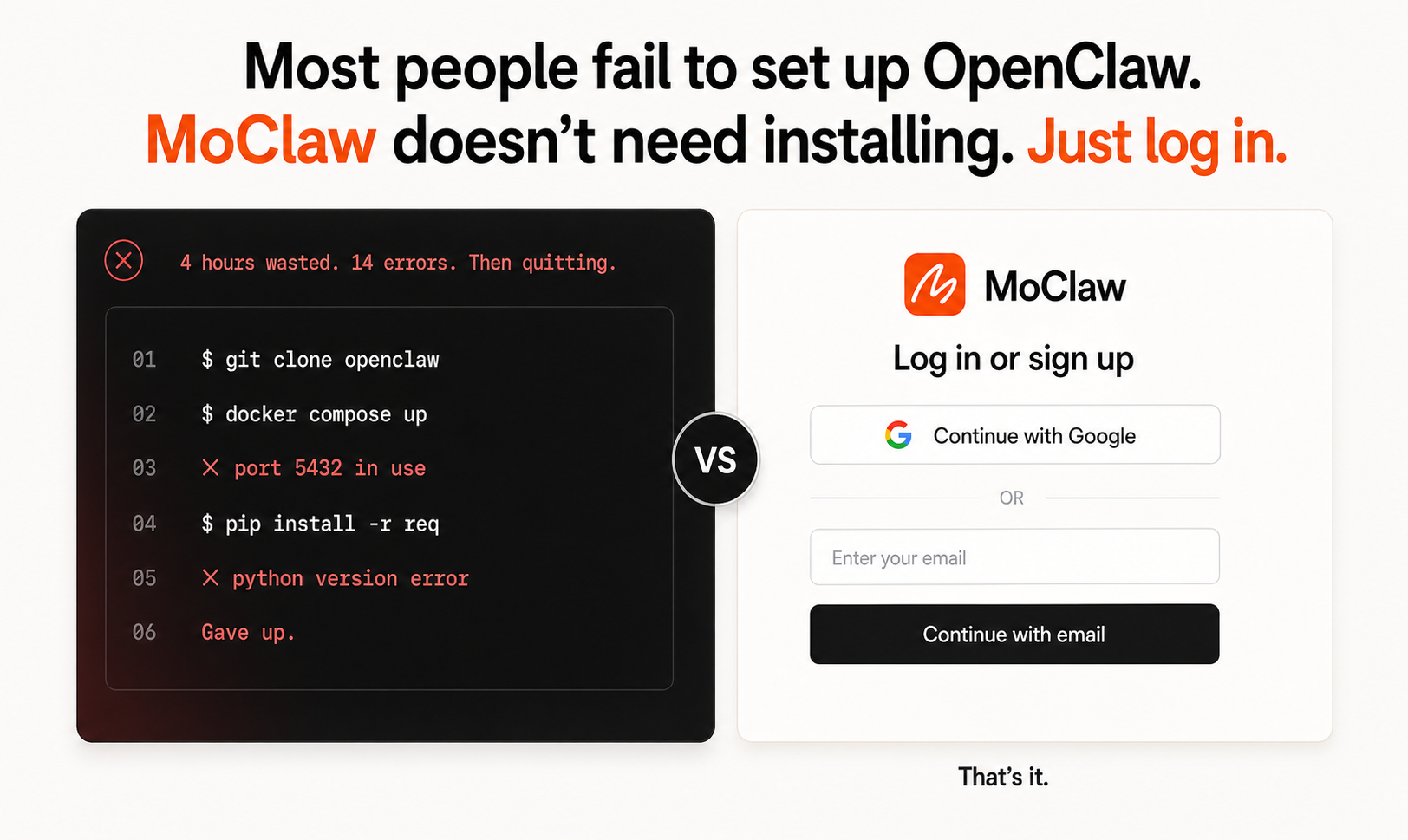
Cloud alternative to OpenClaw. No install, no Python conflicts. Your laptop can sleep, MoClaw keeps running. SKILL.md compatible so old work transfers in.
AI Image-to-Code Frontend Builder
Build better frontends by separating design from coding. AI generates high-quality website visuals first, then converts each section into clean, responsive code.
AI-Built Subscription Tracker App
MoClaw builds a complete subscription tracker app with spending dashboard, renewal alerts, category charts, and calendar view from a single prompt.
Try AI Websites That Don't All Look the Same for free
No credit card required